OptiConverge Shift Scheduler Standard Edition›Sample schedule← Back to main page
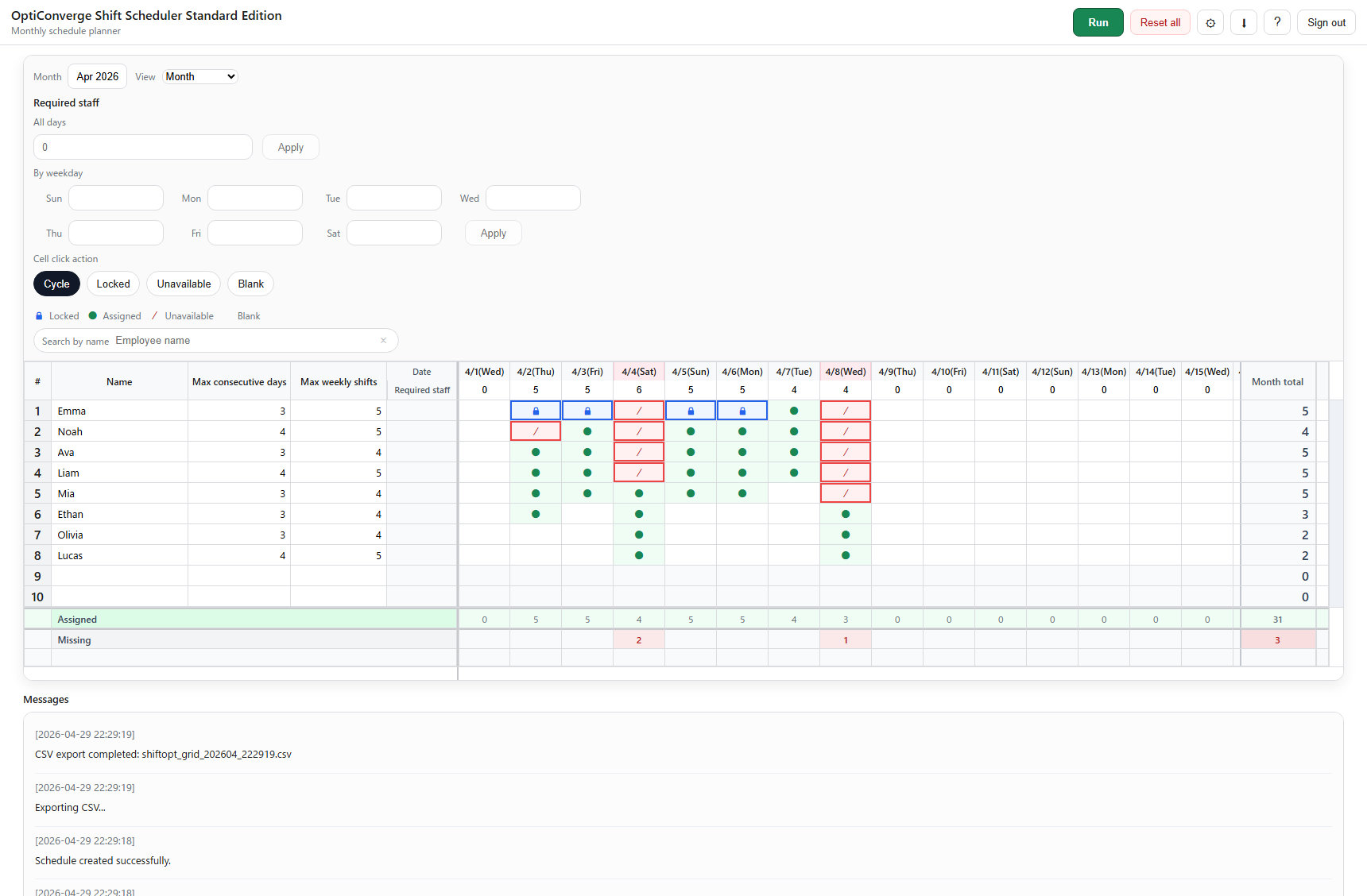
View the current sample schedule.
Compare the current screen sample, CSV sample, and notes before you return to the main page.
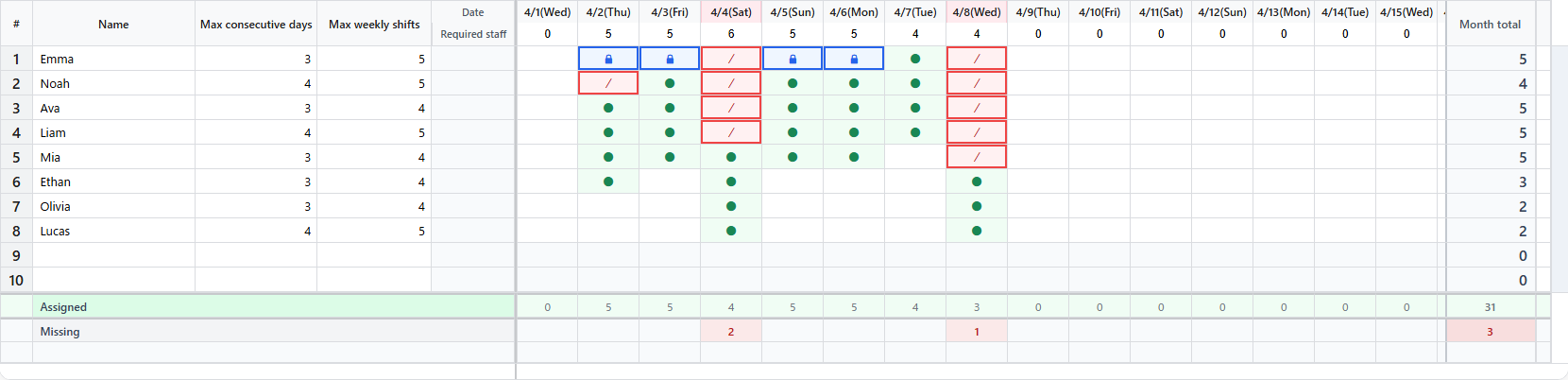
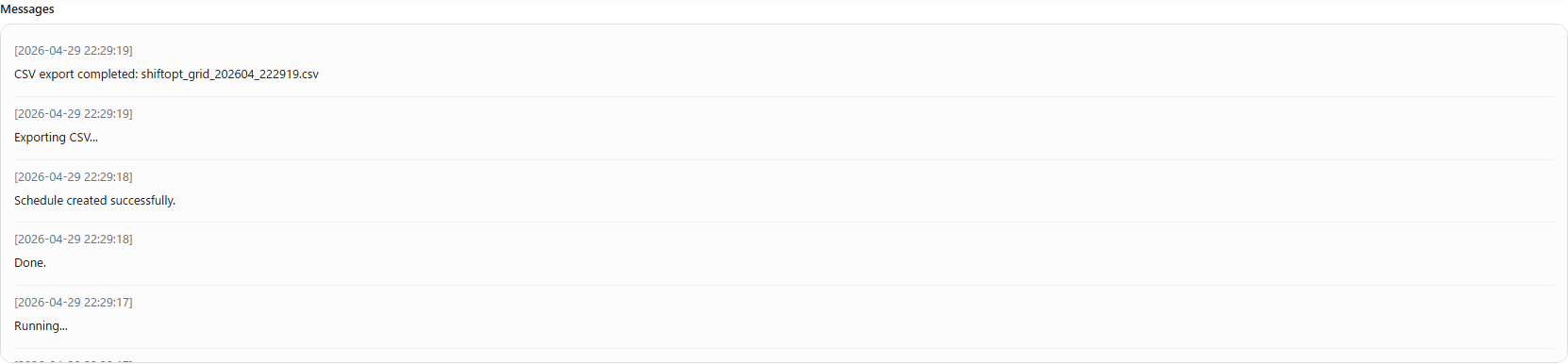
Grid — check the schedule table and the settings shown in the screenshot from the current app UI with dummy data.Totals and shortage summary — check staffing counts, assigned shifts, and staffing gaps.Messages and review — check staffing gaps, notes, and messages after a run.CSV export — compare the exported schedule with the screen sample.
Sample files
Open these files if you want to review the current screen sample, CSV sample, and notes outside the main page.
Look at the screen sample first, then check the CSV sample to see one example of the exported schedule.

1. Look at the screen sample first.
2. Check the schedule grid screenshot and the totals screenshot together.
3. Check the messages screenshot for staffing gaps and review notes.
4. Open the CSV sample to see one example of the exported schedule.
5. Compare the screen sample and the CSV sample together.
6. Open the notes file if you want the short capture notes for this sample set.
7. Use these files to understand what the app can show before and after a run.

Notes:
- These files are simple examples for review.
- They are not a promise of results.
Notes on the sample
This sample page includes screenshots from the current app UI with dummy data, one CSV export example, and one notes file for review.

- UI screenshots: `lp_demo_grid.png`, `lp_demo_totals.png`, `lp_demo_messages.png`, `lp_demo_csv.png`
- Output example: `sample_schedule_export.csv`
- Notes file: `sample_notes.txt`